No products in the cart.
Trending
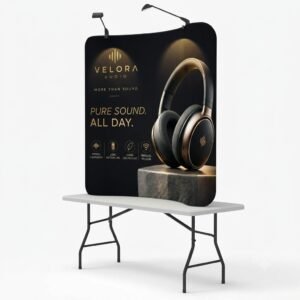
Curved Tension Fabric Display
558.00$
Curved Tension Fabric Display
558.00$
Description
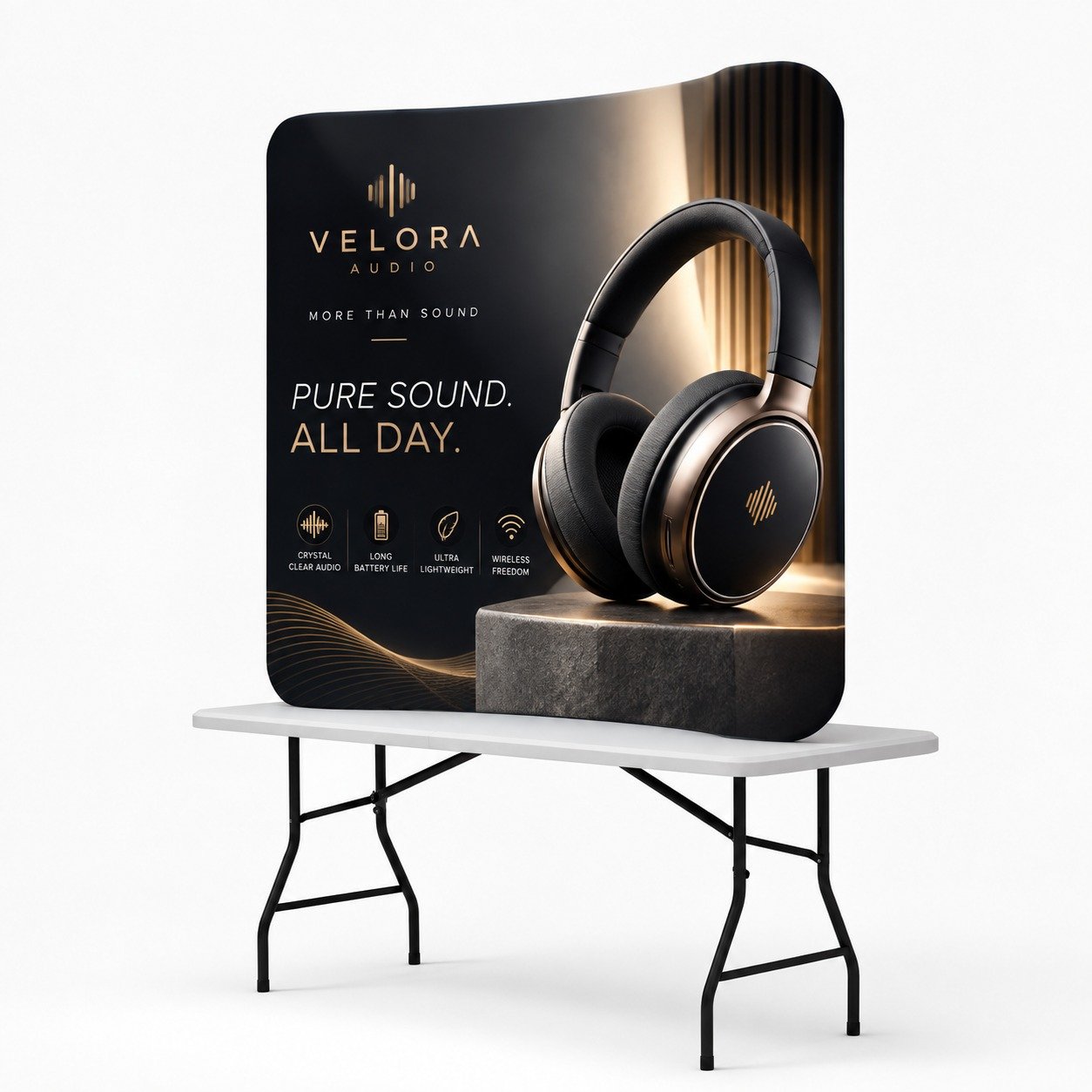
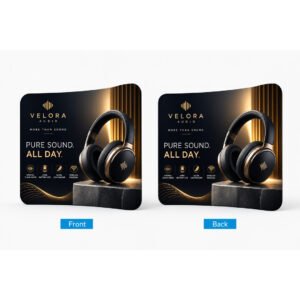
A Curved Tension Fabric Display is an effective solution for businesses looking to create a professional and eye-catching presentation at trade shows, exhibitions, conferences, and promotional events. It features a lightweight aluminum frame and an 8.8 oz. tension fabric graphic printed using dye-sublimation technology for vibrant colors and a smooth, seamless appearance.
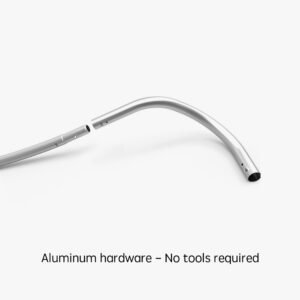
The interlocking tube frame assembles without tools, making setup quick and convenient. Once assembled, the fabric graphic slides over the structure like a pillowcase and zips closed to create a neat, fitted finish. Its freestanding curved design helps your branding stand out while providing an attractive backdrop for product demonstrations, presentations, and customer interactions.
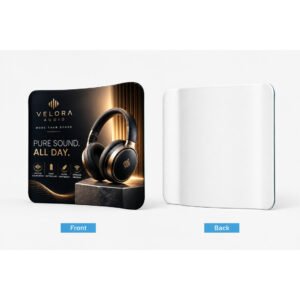
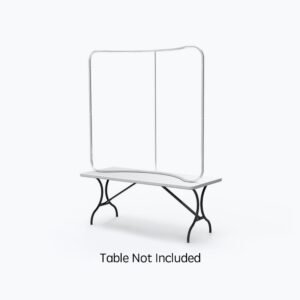
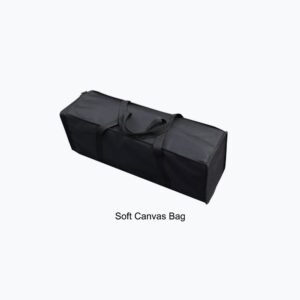
Available in 6ft, 8ft, and 10ft sizes, this display accommodates different promotional spaces. The 6ft option is designed for tabletop use, while the larger models are suitable for floor-standing installations. Choose a single-sided or double-sided graphic to suit your presentation needs. Every size includes a soft canvas carrying bag, with an optional durable plastic hard case and podium available for the 8ft and 10ft versions. This customizable exhibit solution makes it easier to present your brand consistently at events and marketing campaigns.
Features
- Durable Aluminum Frame: Interlocking aluminum tubes provide a lightweight, freestanding structure designed for repeated use.
- Vibrant Fabric Graphics: 8.8 oz. tension fabric features dye-sublimated printing for rich colors and clear brand imagery.
- Three Size Options: Choose 6ft for tabletop presentations or 8ft and 10ft models for larger floor displays.
- Quick, Tool-Free Assembly: The frame connects easily, while the fitted fabric slips over the structure and zips closed.
- Single or Double-Sided Printing: Select the graphic configuration that best suits your layout and audience visibility needs.
- Convenient Transport Options: A soft canvas carrying bag is included, with an optional hard case and podium available for 8ft and 10ft models.
FAQ
1. What is a curved tension fabric display used for?
It is commonly used at trade shows, exhibitions, conferences, retail promotions, and corporate events to showcase branding, products, and marketing messages.
2. What sizes are available?
Three sizes are available: 6ft, 8ft, and 10ft. The 6ft model is designed for tabletop use, while the 8ft and 10ft versions are intended for floor-standing displays.
3. Can I choose single-sided or double-sided graphics?
Yes. You can select single-sided or double-sided dye-sublimated fabric printing according to your display location and visibility requirements.
4. Is the display easy to assemble and transport?
Yes. The interlocking aluminum frame requires no tools for assembly, and the fitted fabric graphic zips into place. A soft canvas carrying bag is included for convenient transportation.
5. Are a hard case and podium included with the display?
No. The soft canvas bag is included with all sizes. A durable plastic hard case and podium are optional accessories for the 8ft and 10ft models.
Template
Installation Guide
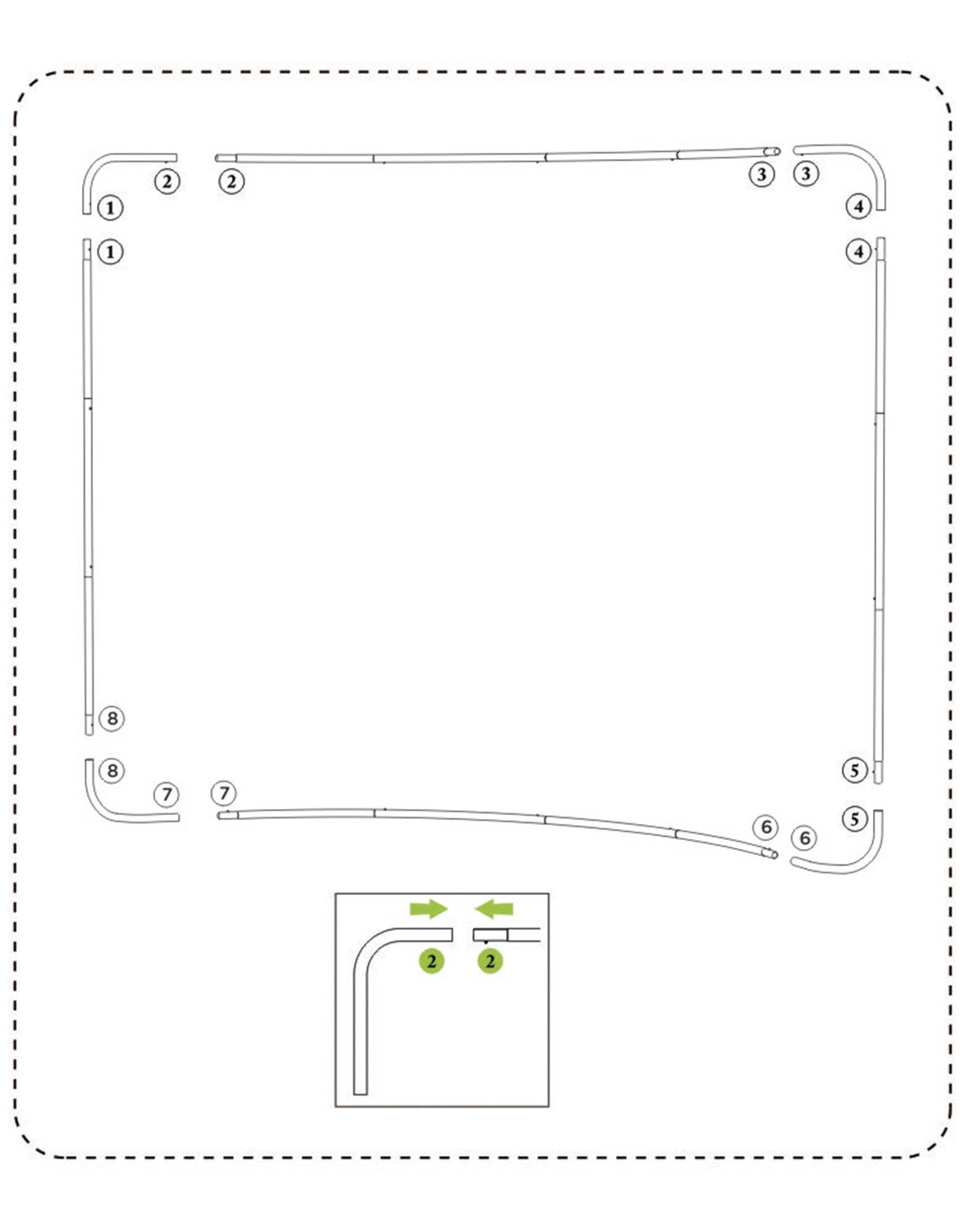
1. Connect tubes of the frame (There are number labels on the tubes)
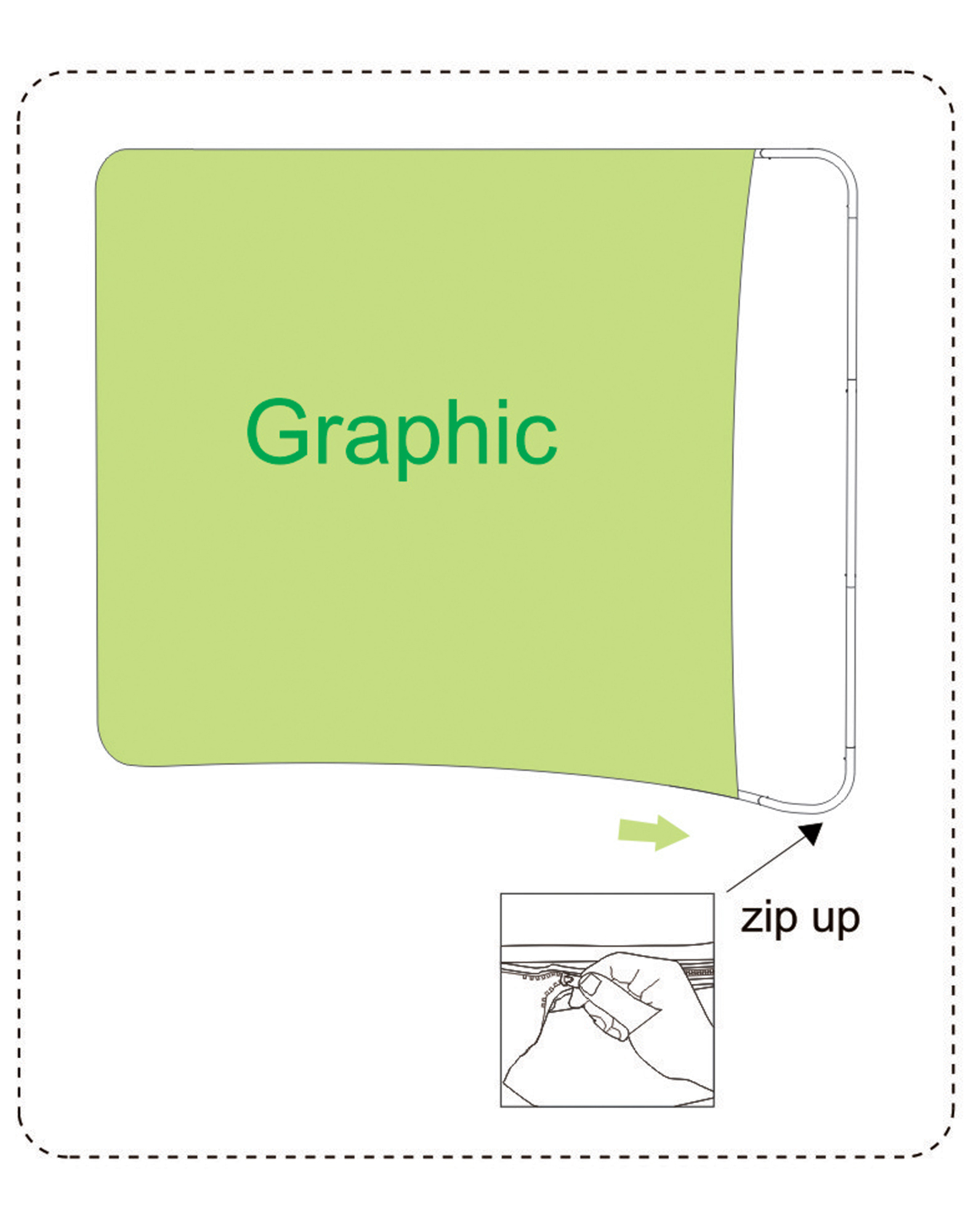
2. Wrap up the frame with the graphic from left to right, then zip up
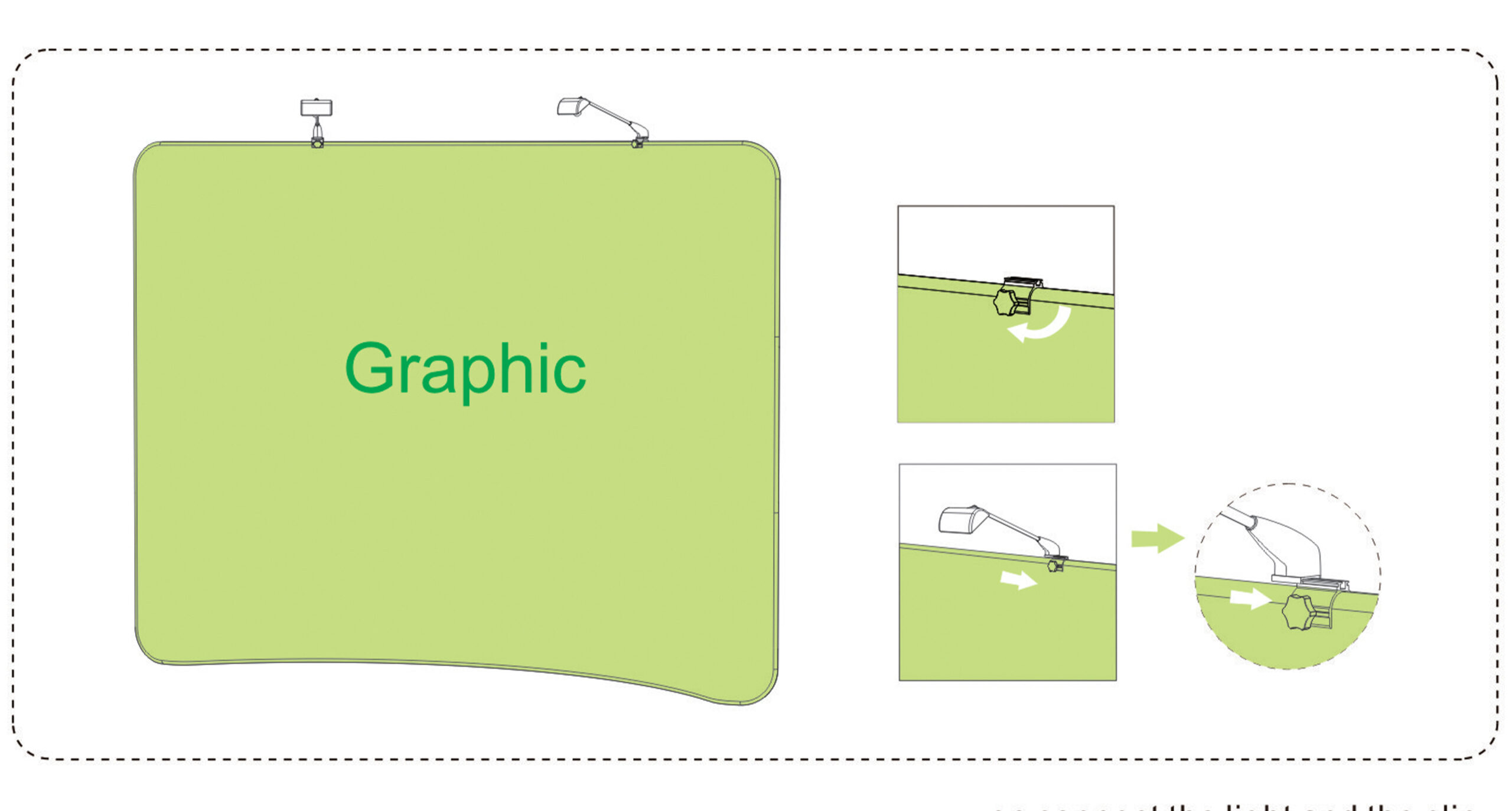
3. Put the light clip on the top of the display and fix it with screw, then connect the light and the clip

10ft SEG Display
815.00$

Podium
185.00$

SEG Backlit Popup Display
1,969.00$
20ft SEG Display
1,345.00$

3ft SEG Display
299.00$


